Avoiding Common Pitfalls in Studio Interview Recording
Studio interview recording is a multifaceted process that involves careful planning, technical expertise, and an understanding of human dynamics. Whether you are producing content for broadcast, podcasts, or corporate communications, the quality of the final product depends on how well you manage potential pitfalls. Many issues can arise during recording, from audio imbalances to visual distractions, and these can compromise the professionalism and effectiveness of the interview. By recognizing common mistakes and adopting preventive measures, you can enhance the overall quality of your recordings.
In this article, we will explore frequent pitfalls in studio interview recording and provide practical strategies to avoid them. The focus will be on maintaining high standards in audio capture, visual composition, and interview flow, with an emphasis on preparation and attention to detail. The goal is to equip you with knowledge that can be applied in various studio settings, helping you to produce content that meets professional expectations.
Audio Quality: The Cornerstone of Interview Recording
Audio quality is often cited as the most critical element in interview recording. Poor audio can render an otherwise excellent interview unusable, leading to frustration for both the interviewer and the audience. Common audio pitfalls include background noise, improper microphone placement, and inconsistent levels. Background noise can stem from various sources such as air conditioning, traffic, or even the hum of electronic equipment. To mitigate this, conduct a thorough sound check before recording and consider using directional microphones to focus on the speaker’s voice while minimizing ambient sounds.
Microphone placement is another crucial factor. Placing the microphone too far from the speaker results in a thin, distant sound, while placing it too close can cause popping and distortion. A general rule is to position the microphone about six to twelve inches from the speaker’s mouth, slightly off-axis to reduce plosive sounds. Additionally, using a pop filter can help soften harsh consonants. It is also important to monitor audio levels throughout the recording to avoid clipping or low volume. Consistent levels ensure that the interview sounds professional and is easy to listen to.
Another common mistake is neglecting to record room tone, which is the ambient sound of the studio without any speaking. Room tone can be useful during editing to fill gaps and smooth transitions. Recording a minute of room tone at the beginning or end of each session is a simple yet effective practice. Furthermore, consider using headphones to monitor the audio in real-time, as this allows you to catch issues such as hums or crackles immediately. By addressing these audio concerns proactively, you can significantly improve the overall quality of your interview recording.
Visual Composition: Creating a Distraction-Free Environment
The visual aspect of a studio interview is equally important as the audio. A distracting background can draw attention away from the speaker and undermine the credibility of the content. Common visual pitfalls include cluttered backgrounds, poor lighting, and inappropriate camera angles. To avoid a cluttered background, choose a set that is clean and relevant to the interview topic. For example, a neutral backdrop or a simple logo wall can work well, while avoiding busy patterns or personal items that may divert the viewer’s focus.
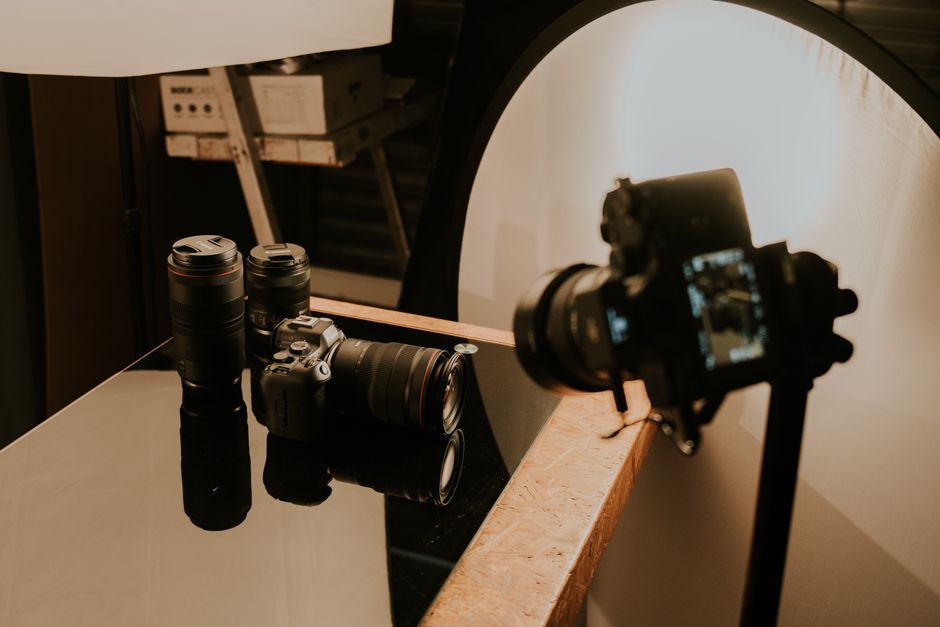
Lighting plays a vital role in visual quality. Poor lighting can result in shadows on the speaker’s face, washed-out colors, or an overall amateurish look. A standard three-point lighting setup, consisting of a key light, fill light, and backlight, can provide balanced illumination and depth. It is also important to consider the color temperature of the lights and adjust them to match the camera’s white balance. Additionally, ensure that the speaker is not backlit, as this can cause underexposure of their face.
Camera angles and framing should be carefully planned. A common mistake is to place the camera at eye level but too far away, making the speaker appear small and disconnected. Instead, use a medium close-up shot that captures the speaker from the chest up, creating a more engaging viewer experience. Also, avoid shooting from low or high angles that can distort the speaker’s appearance. If multiple cameras are used, ensure they are synchronized and that angles complement each other without causing confusion. By paying attention to these visual details, you can create a professional and focused environment that enhances the interview.
Maintaining a Natural and Uninterrupted Flow
The flow of an interview is essential for capturing authentic and engaging responses. Interruptions, whether from the interviewer, external noises, or technical glitches, can break the speaker’s concentration and lead to disjointed answers. One common pitfall is the interviewer interjecting too frequently, which can disrupt the speaker’s train of thought. It is important to allow pauses and give the speaker time to formulate their thoughts. Active listening and maintaining eye contact can help the interviewer gauge when to speak and when to remain silent.
External interruptions, such as phone notifications or people entering the studio, can also derail the interview. To prevent this, establish a strict no-interruption policy during recording. Turn off all mobile devices, place a sign on the door, and inform colleagues to avoid entering the studio. Additionally, technical glitches like camera malfunctions or audio dropouts can interrupt the flow. Regular equipment checks and having backup gear on hand can reduce the likelihood of such issues. If a glitch does occur, it is often best to pause the recording, address the problem, and then resume from a natural break point rather than trying to continue through the disruption.
Another aspect of flow is the pacing of the interview. Rushing through questions can make the speaker feel pressured, resulting in superficial answers. Conversely, allowing long, awkward silences can create discomfort. Striking a balance requires practice and attentiveness. Prepared questions can guide the conversation, but flexibility is key to follow up on interesting points. By fostering a relaxed and focused atmosphere, the interviewer can help the speaker feel at ease, leading to more natural and insightful responses.
Preparation and Technical Checks
Adequate preparation is the foundation for avoiding many common pitfalls. Before the recording day, conduct a pre-interview meeting to discuss the topics, expectations, and any specific requirements. This helps to build rapport and ensures that both parties are on the same page. Additionally, create a checklist of technical preparations, including equipment setup, audio levels, lighting adjustments, and camera framing. Testing all equipment beforehand can identify potential issues and allow time for troubleshooting.
During the setup, pay attention to the studio environment. Ensure that the room is at a comfortable temperature, as extreme temperatures can affect both the equipment and the participants’ comfort. Check for any reflective surfaces that might cause unwanted glare or echoes. If possible, use acoustic panels or soft furnishings to absorb sound and reduce reverb. Also, consider the seating arrangement; chairs should be comfortable and positioned to facilitate natural conversation while maintaining good posture for the camera.
It is also wise to have a backup plan for common technical failures. For instance, keep spare batteries, cables, and memory cards readily available. If using wireless microphones, check for interference and have wired alternatives as a fallback. In the event of a power outage, a backup generator or uninterruptible power supply can prevent data loss. By anticipating potential problems and preparing accordingly, you can minimize downtime and ensure a smooth recording session.
Post-Recording Review and Continuous Improvement
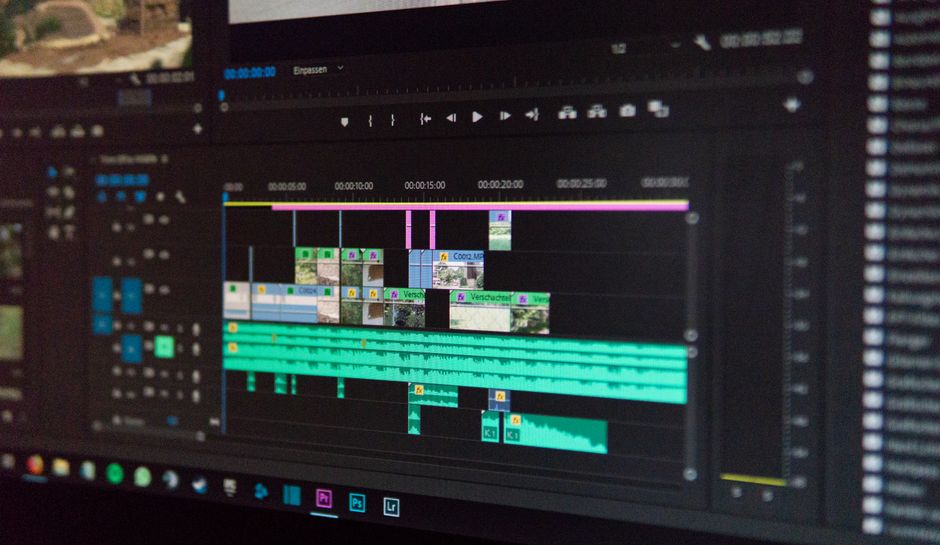
After the recording is complete, take time to review the footage and audio. This allows you to identify any issues that may have gone unnoticed during the session and to learn from them for future recordings. Common post-recording pitfalls include neglecting to back up files, failing to log important moments, and skipping the review process altogether. Always back up your recordings to multiple locations, such as external hard drives and cloud storage, to prevent data loss.
During the review, pay attention to both technical and content-related aspects. Check for audio clarity, visual quality, and the overall flow of the interview. Note any segments that may need editing or re-recording. If possible, solicit feedback from colleagues or peers to gain different perspectives. Continuous improvement is key to mastering studio interview recording; each session provides an opportunity to refine your skills and processes.
Finally, consider documenting your workflow and lessons learned. A detailed record of what worked well and what could be improved can serve as a valuable reference for future projects. Whether you are working with a professional studio like Studio Interview or managing your own setup, the principles of preparation, attention to detail, and adaptability remain constant. By avoiding common pitfalls and embracing a mindset of continuous learning, you can consistently produce high-quality interview recordings that engage and inform your audience.